Release Notes 11/01/2022 - Web Writer, Inspector Dashboard, and Home Buyer Dashboard

Create an Inspection from an Appointment
We are happy to share that the next step in our Web Writer appointment creation workflow is implemented and you will now be taken directly to the new inspection whenever you select "Create Web Inspection" from an appointment on your HomeGauge calendar. This workflow will automatically link your published reports to the appropriate folder as well.
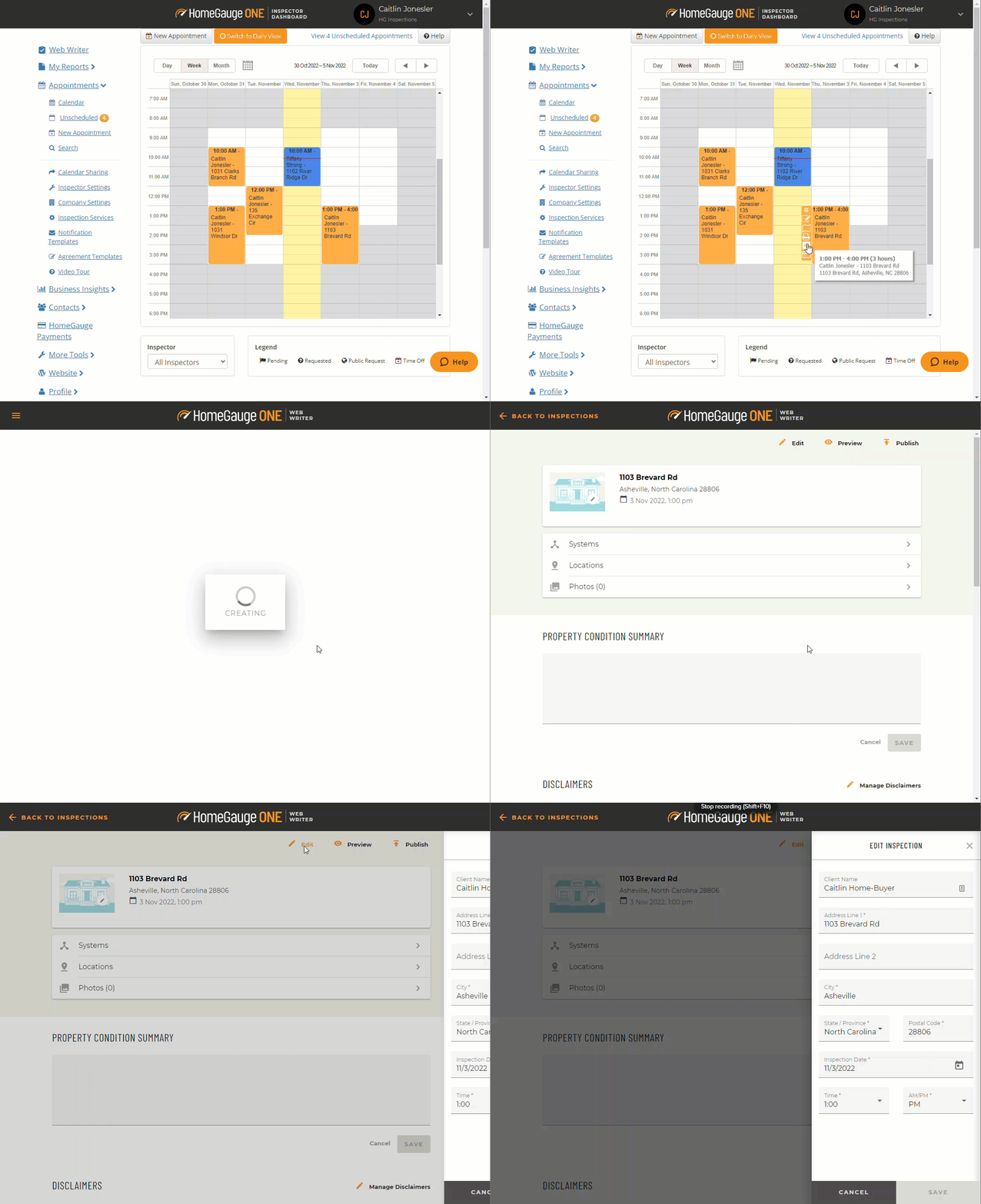
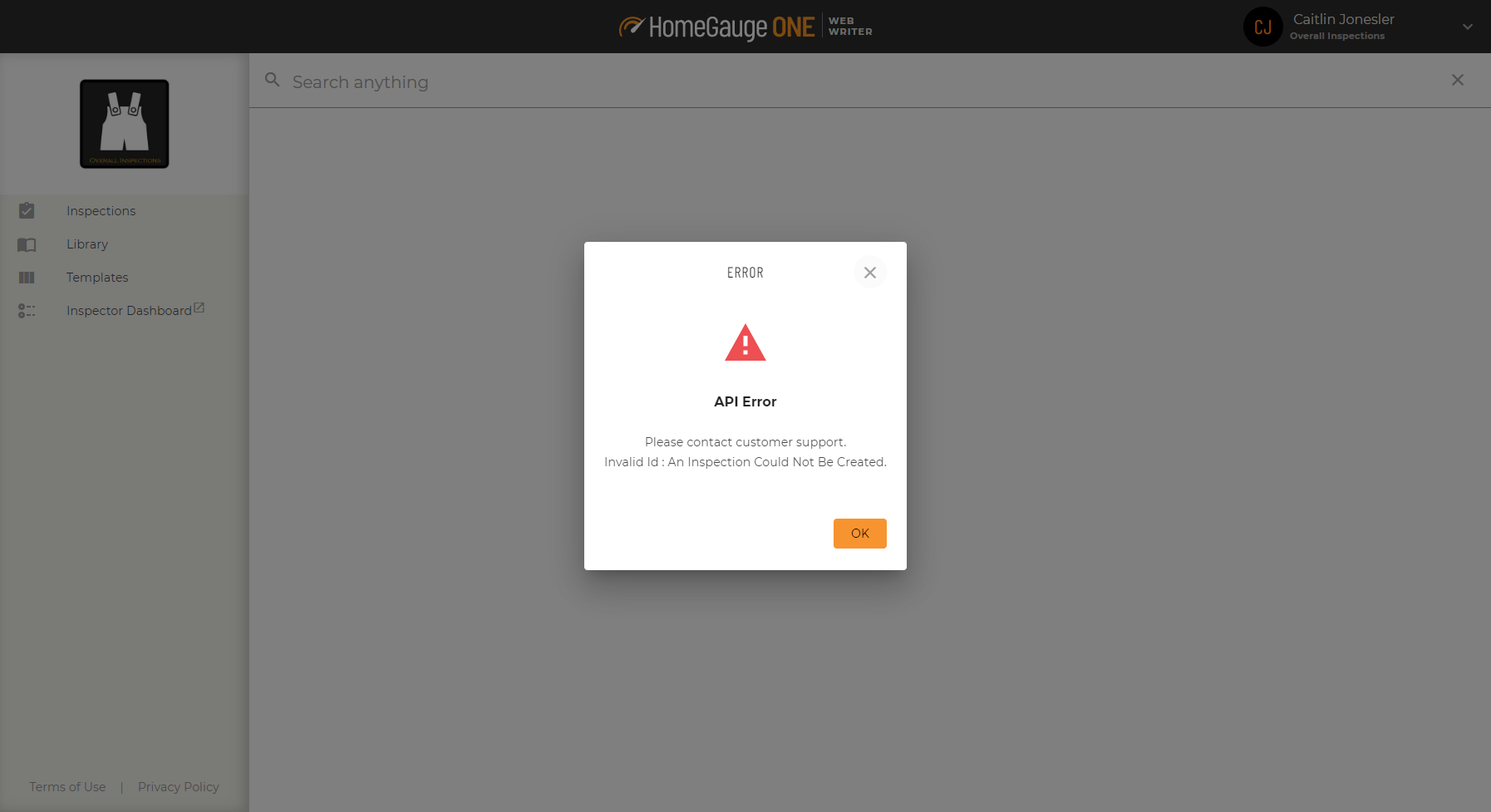
NOTE: This feature does not currently work for company managers when trying to create an inspection for other users. That functionality will result in an error (example below) within Web Writer. We expect to support that workflow in the near future. In the meantime, the inspector assigned to the appointment will need to create the appointment from their calendar.
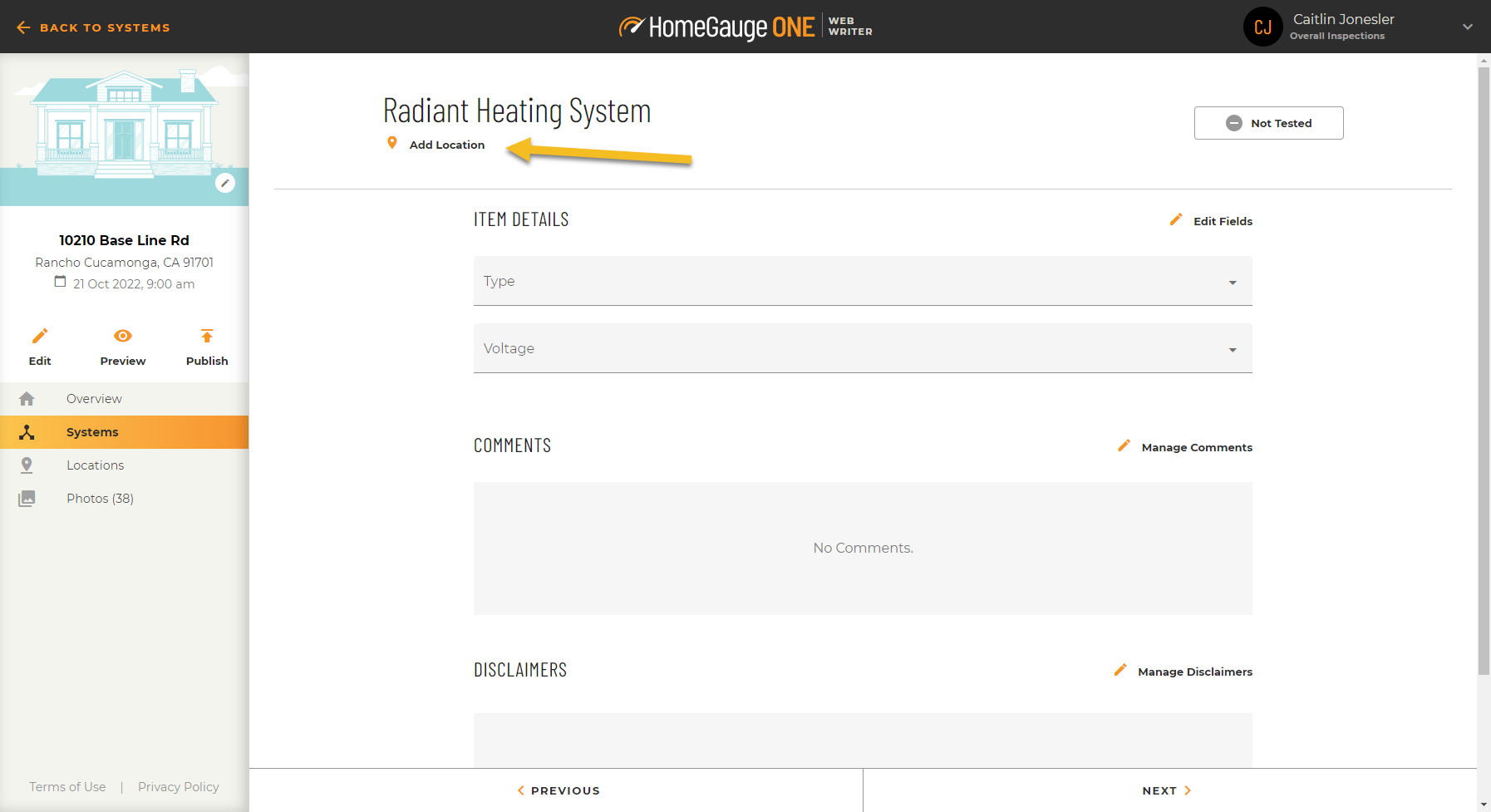
Add a Location to an Item
Check out the new location icon on the item details screen. If a location hasn't been populated yet, you can click on the "Add Location" button to quickly add one or multiple.
Create or Rename Item Locations in Inspections
Based on inspector feedback, you can create custom item locations or rename item locations within an inspection without having to incorporate the previous location name. We plan on altering the behavior in your Template soon.
Comment, Disclaimer, and Property Summary formatting options
We have added additional formatting functionality to the comments, disclaimers, and property summary fields with the addition of line breaks that will display in your reports.
Hyperlinks can now be added to comments and disclaimers in the Texas print format.
Home Buyer Dashboard
The agreement print button has been updated from “View Full Document” to say “Printable Version” to ensure your clients do not feel like the version of the document they have signed in the complete document.
Bugs Squished
-
In an attempt to add new features to our reporting system, we inadvertently introduced a change that didn't account for text wrap. This change could have impacted the layout in the print preview, online report, and PDFs of reports completed on Wednesday, October 26 and Thursday, October 27. If your report was impacted, please republish the original report and distribute the new link to your users.
-
The multi-select functionality has been updated to ensure consistent behavior between the systems and locations views.
-
You can now add locations to newly created items within your Template.
- We resolved the issue of marking agreement as signed on Inspector Dashboard not releasing the report to Customers.
How do I get the update?
-
These changes have been rolled out automatically to our web client so connecting via any browser will get you access.
-
iOS and Android app users will see the changes in a future update.
How do I report issues?
-
Reach out to support@homegauge.com or contact us via the real-time chat on the website.
-
If you have general suggestions or feedback, you can reach the product team directly at productfeedback@homegauge.com.
Please sign in to leave a comment.
Comments
0 comments